The AI-Native data platform for operational decisions
Connect records across your existing systems. Ask business questions, build workflows, and make traceable predictions
Can we afford two hires if our largest contract slips?
Your business’s intelligence should belong to you. Semogram makes sense of the data you already have, with answers you can question and correct, and predictions you can check. You stay in control of your data and the knowledge derived from it
From scattered data to a shared understanding
Intelligence layer
AI native from the ground up. Agents work with your data, its meaning, and its context to build workflows and explain every answer.





A clear path to an answer
Every question starts with context.
Every answer comes with evidence.
- Connect your sources
- Understand the context
- 3Ask a business question
- 4Follow the evidence
An example question
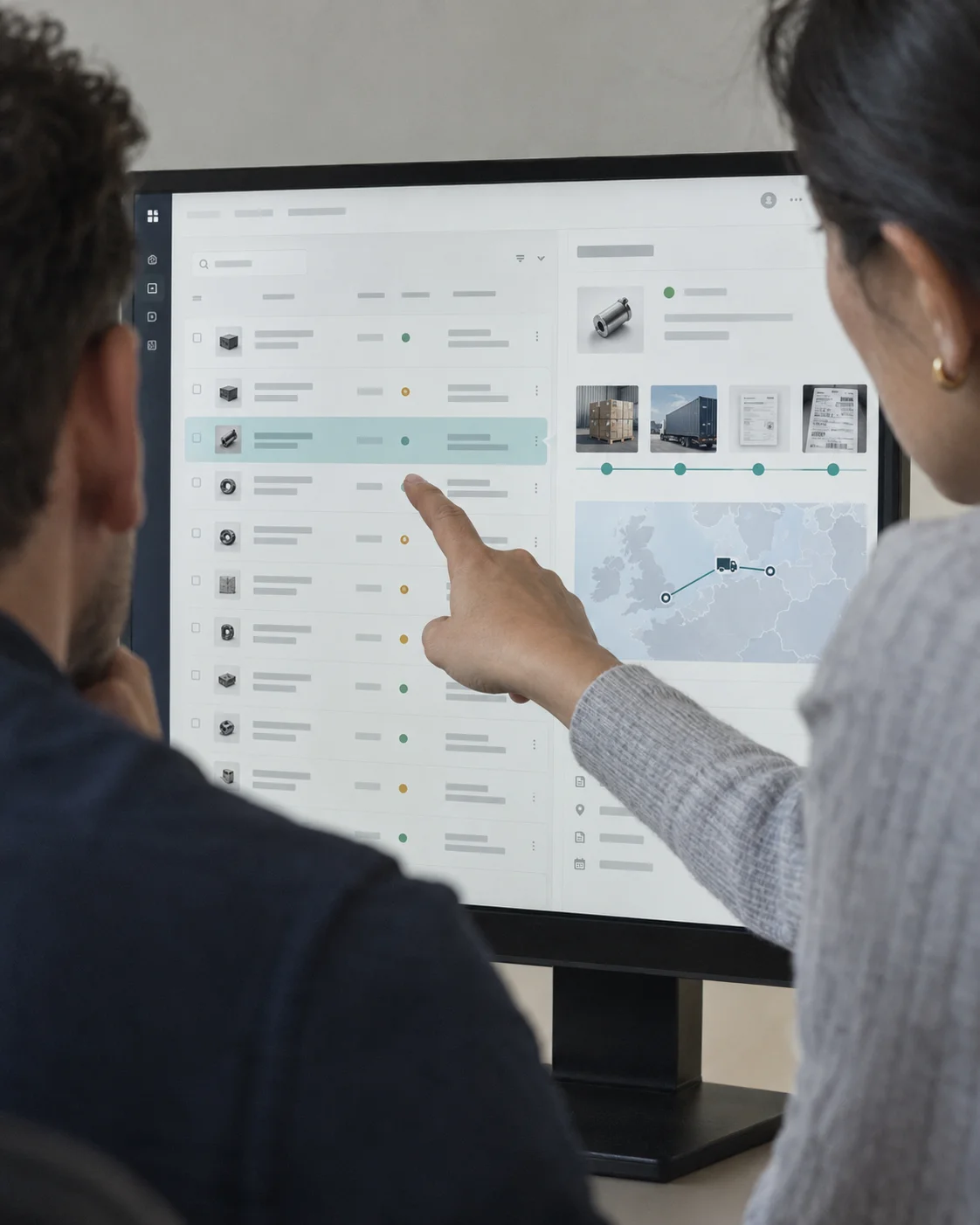
“What’s behind the change in our delivery times?”
Bring the relevant records together. Examine the pattern. Trace it back to the source.
How data becomes decisions
From scattered records to answers your team can inspect and act on
Hiring decision / Illustrative example
Hiring plan / Sources
- Not connected
Cash plan
cash-plan.csv
- Not connected
Accounting
Receipts and planned spending
- Not connected
Payroll
Staff costs and start dates
- Not connected
Sales pipeline
Contracts and open deals
One platform
Work your way
Craven brings the same connected data and evidence to every way you work
Explore CravenIn the app
Ask questions, inspect the evidence, and correct your plan in one workspace.
Open CravenThrough the API
Bring answers and predictions into the tools and workflows you build.
Explore the APIFrom your AI assistant
Use your business data from the assistant you already work with, through MCP.
Connect your assistant
Understand more
Decide for yourself
Ask a harder question
Bring together the context a single system can’t give you
Answers from connected records
Connect your dataSee what’s coming
Forecast demand, costs and risk, then compare predictions with real outcomes
Predictions with a track record
Explore predictionsCheck the reasoning
Follow the evidence, question an answer and add your judgment
Sources and corrections kept in view
Follow the evidenceKeep it yours
Stay in control of your data and the knowledge derived from it
Your intelligence belongs to you
Our commitment
Use the AI tools you already know
Choose your assistant or editor and follow its Semogram setup guide
Claude Code
SetupConnect from your terminal and sign in with Semogram
Cursor
SetupBring workspace tools into your Agent conversations
Zed
SetupAdd Semogram as a remote server in the Agent Panel
Claude Desktop
SetupConnect your workspace from Claude’s connector settings
VS Code
SetupAsk Copilot to work with your business records
Windsurf
SetupConnect Cascade to your Semogram workspace
JetBrains
SetupUse workspace tools from AI Assistant with an OAuth bridge
OpenAI Codex
SetupConnect through Codex CLI and inspect the evidence
Securely connect your AI assistant to your business data
Bring your workspace into the conversation and check the records behind every answer
Copy your workspace URL
Copy the MCP URL from Connect an AI assistant in workspace settings
Your workspace MCP URLURLplatform.semogram.com/api/mcp/…Connect and sign in
Add the URL to your assistant, then sign in and approve the connection
Claude Code setupclaude mcp add --transport http semogram "<YOUR_MCP_URL>"Ask with evidence
Ask about your operations and check the records behind the answer
An example first questionWhich deliveries slipped this month? Show the orders and receipts.
- Your workspace permissions
- Explicit sign-in and consent
- Reviewable records and runs
Built across operational domains
One platform for many domains of operational intelligence.
Make tomorrow’s cash needs visible today
Learn more →Make room for the care tomorrow will need
Learn more →Keep a late shipment from becoming a stopped line
Learn more →Keep everyday payments moving as risk changes
Learn more →Let’s talk about your operations
Create an account and connect your first source, or tell us what your team needs and we’ll help you set it up
Calls are 20 minutes over Google Meet